How Rosetta Broke My Terraform Setup (and How I Fixed It on Apple Silicon)
Cloud Enthusiast
🛠️ How Rosetta Broke My Terraform Setup (and How I Fixed It on Apple Silicon)
Everything was working fine — until it wasn’t.
While setting up a Kubernetes homelab using Terraform inside a devbox environment on my M1 Mac (macOS 15.5, Apple Silicon), I started hitting this dreaded error:
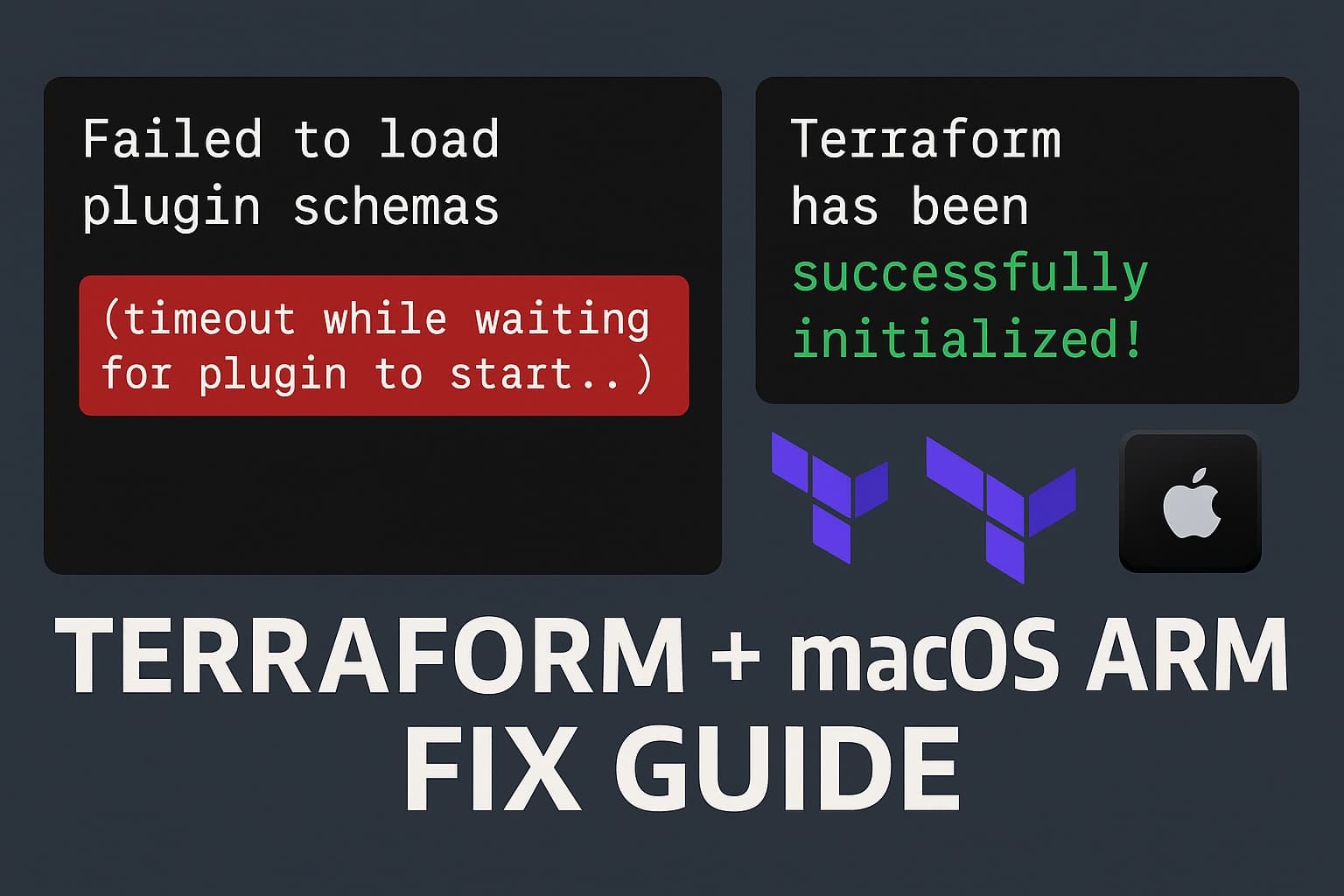
Error: Failed to load plugin schemas

Error while loading schemas for plugin components: Failed to obtain provider schema: Could not load the schema for provider registry.terraform.io/hashicorp/aws:
failed to instantiate provider "registry.terraform.io/hashicorp/aws" to obtain schema: timeout while waiting for plugin to start..
Re-running terraform validate or terraform plan produced the same issue, even though terraform init was succeeding.
🧩 The Clue: Architecture Mismatch
After some digging, I noticed strange behavior:
Running
uname -min my terminal gavearm64(✅ expected).But inside
tmux, it showedx86_64(❌ unexpected).Even worse,
terraformshowed:Terraform v1.10.5 on darwin_amd64...even though I'm on Apple Silicon.
Eventually, I realized that Homebrew was installed under /usr/local — the default path for Intel Macs. I’m fairly certain a recent macOS upgrade caused this regression, as I had set things up correctly before. This led to brew installing x86_64 versions of tools, even though I’m on an M1 Pro (ARM64). That meant:
All my
brew install ...commands were installing x86_64 binaries.Tools like
terraformandtmuxwere running under Rosetta.devboxwas pulling in these x86 versions too.Result: native ARM Terraform tried to run x86 plugins — and failed.
🛠️ The Fix
Here's how I cleaned everything up and got Terraform working natively:
1. ✅ Uninstall x86 Homebrew
/bin/bash -c "$(curl -fsSL https://raw.githubusercontent.com/Homebrew/install/HEAD/uninstall.sh)"
2. ✅ Reinstall Homebrew for Apple Silicon
/bin/bash -c "$(curl -fsSL https://raw.githubusercontent.com/Homebrew/install/HEAD/install.sh)"
Make sure it installs to: /opt/homebrew
3. ✅ Update your $PATH
Add to your shell profile:
export PATH="/opt/homebrew/bin:$PATH"
Then reload:
source ~/.bash_profile # or ~/.zshrc or ~/.bashrc
4. ✅ Reinstall all your tools
Now reinstall tmux, terraform, etc., so they are built for ARM:
brew install tmux terraform
Make sure they are native:
file $(which terraform)
/opt/homebrew/bin/terraform: Mach-O 64-bit executable arm64
Same for tmux and anything else.
5. ✅ Fix tmux architecture issue
Previously, launching tmux forced my terminal into x86 mode. After reinstalling via ARM Homebrew, tmux now behaves correctly:
uname -m         # arm64
tmux
uname -m         # still arm64 ✅
💡 Devbox & Terraform: Final Check
Now that everything is ARM-native:
devbox shell
terraform version
terraform validate
No more plugin timeouts. No need for GODEBUG or weird init -upgrade workarounds.
✅ TL;DR
Symptoms:
Terraform plugin schema timeouts
terraform validatefailsArchitecture mismatch (
x86_64insidetmux)terraformreportsdarwin_amd64on an M1/M2 Mac
Fix:
Uninstall Intel Homebrew
Reinstall native ARM Homebrew
Reinstall all tools via ARM Homebrew
Update
$PATHVerify with
file $(which terraform)
If you're using an M1/M2 Mac and Devbox, always make sure your entire stack is running ARM64 natively — otherwise, you'll spend hours chasing down obscure errors like I did.
Let me know if this helped — or if you’ve run into something similar!